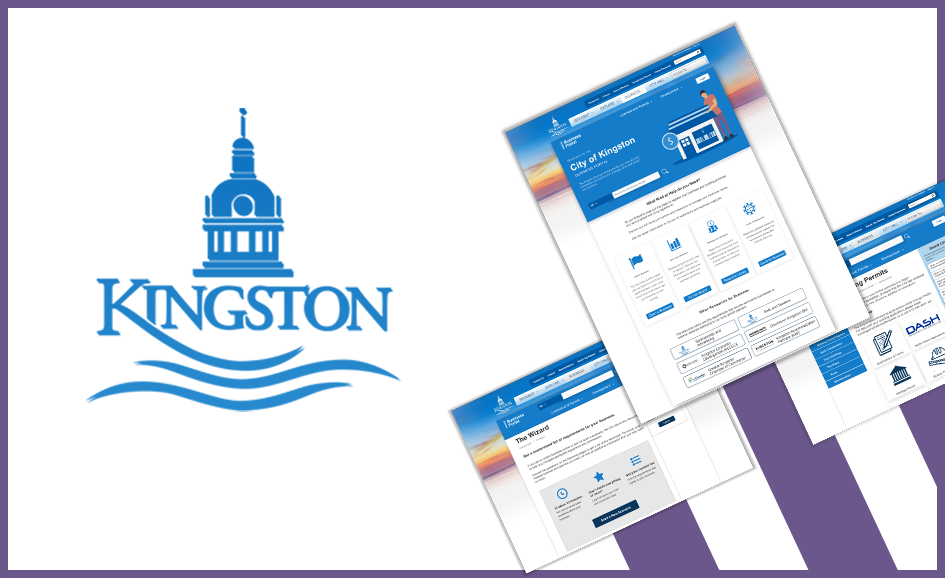
The goal of this project was to redesign the information architecture for the City of Kingston Business page to be more user-friendly for local businesses who were looking to expand in the Kingston region.
Responsibilities
Researching, usability testing, low and high-fidelity mockups and user testing
Previous
Next
Competitive Research
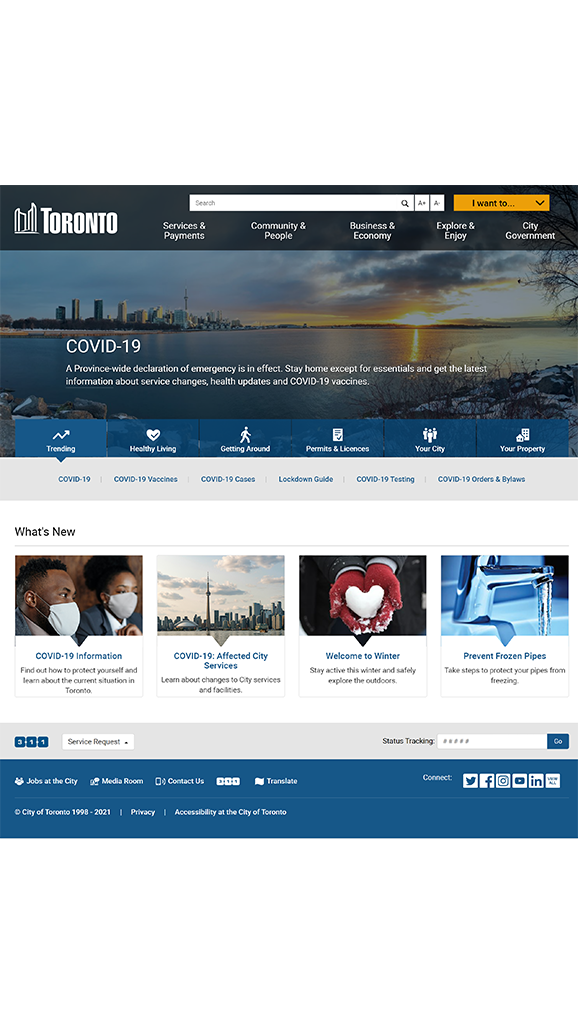
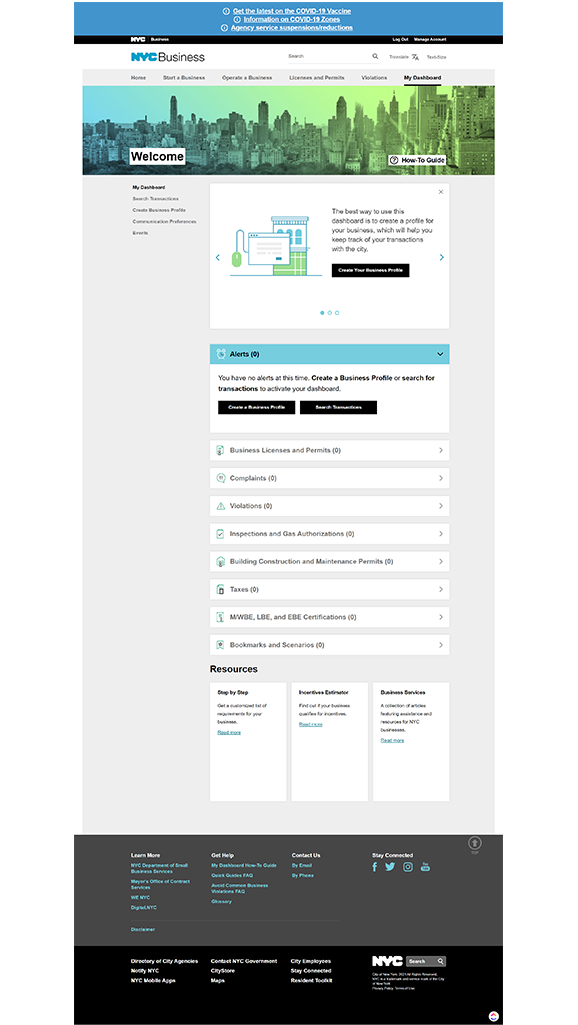
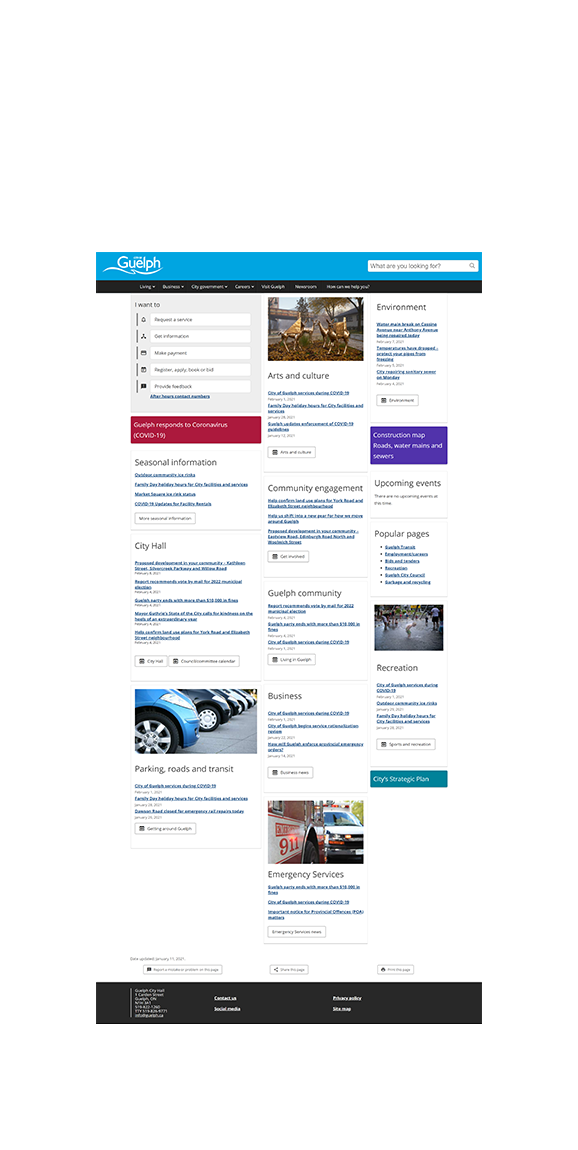
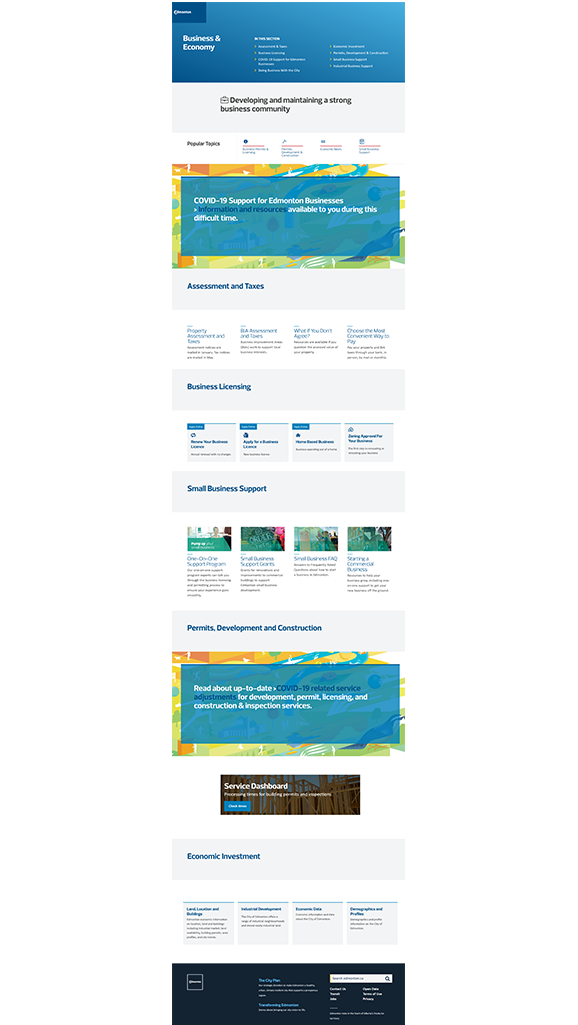
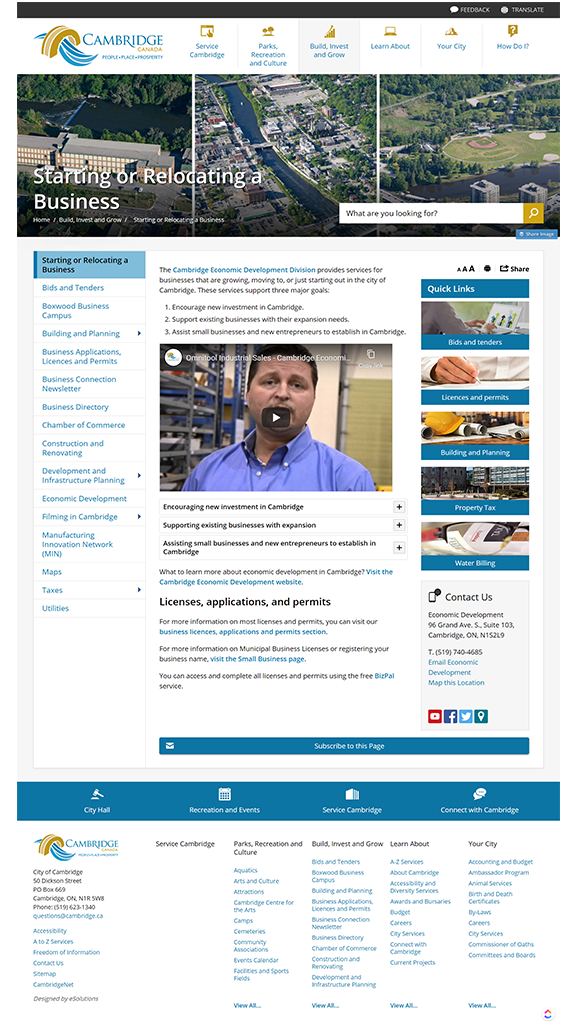
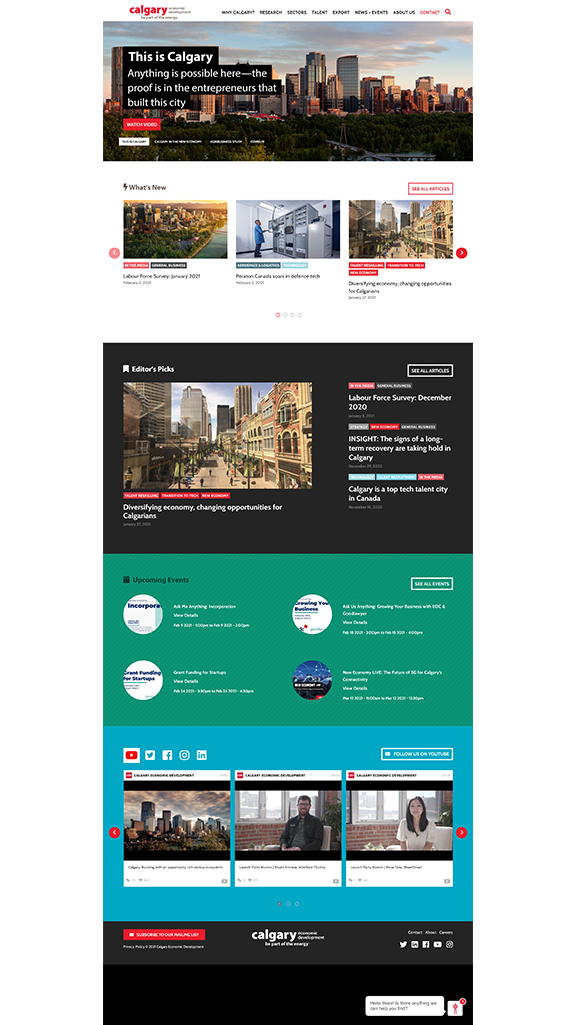
The first goal of our research was to find websites of similar purpose to the City of Kingston. We used four examples of cities of similar size and scope to Kingston, and four examples of what we felt were “best practices” for a site with a similar goal.
The four cities we chose for being similar in scale were Sudbury, Guelph, Leeds/Grenville, and Cambridge.
The four cities chosen for “best practices” were Toronto, Calgary, Edmonton, and New York City.
When looking at these websites, we were looking at the Visual Design, Information Architecture, and Key Features. Through this research, we discovered two key findings. One was that the main page should have navigation to guide users to what they want to do.
We felt that this would simplify the process for users who aren’t necessarily sure what they needed to do to accomplish their goal. By having this simple choice at the start we could streamline users into the correct workflow for their project.
The other key finding we discovered was the necessity for quick links to aid the navigation of users.
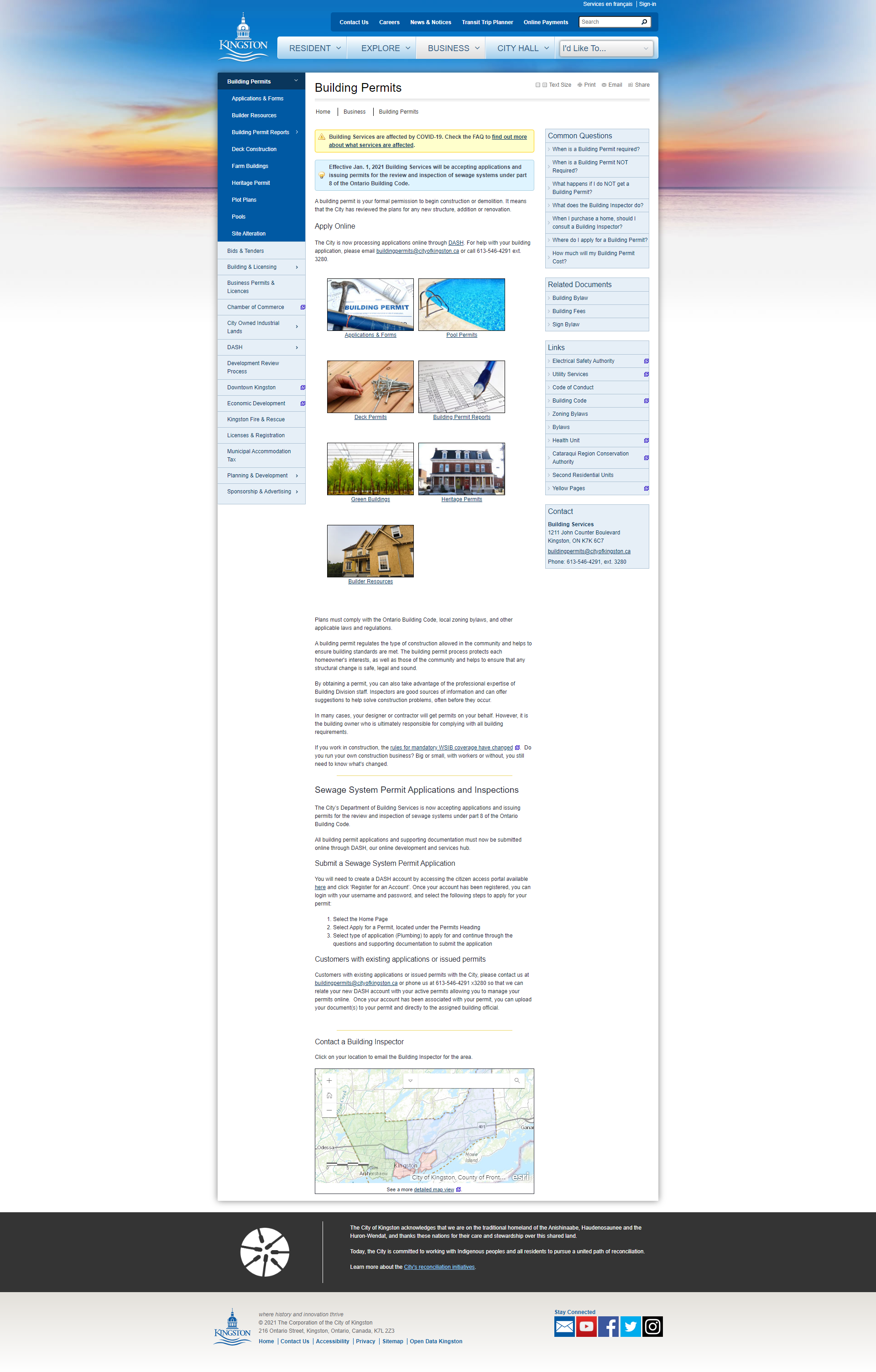
We then turned to look at the existing City of Kingston website and established what issues the current website had. We found that their current site was very text-heavy and could be overwhelming to users. Important information blended in with descriptive text as well, so there was work that needed to be done on that front as well.
Previous
Next
Usability Testing
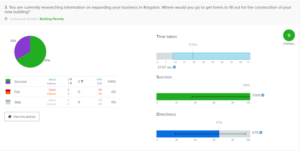
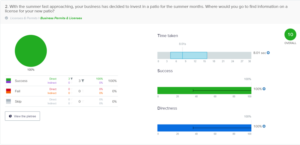
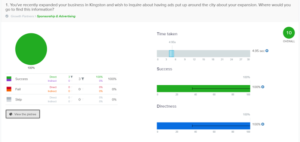
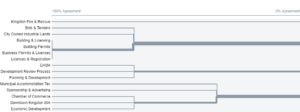
The final stage of our research was to complete usability tests on the existing website. We utilized a card sort and a tree test to determine where user pain points were located so we could correct them in our redesign. We reached out to local business owners to complete our tests. With our testing complete we moved on to creating our design.
Design Phase
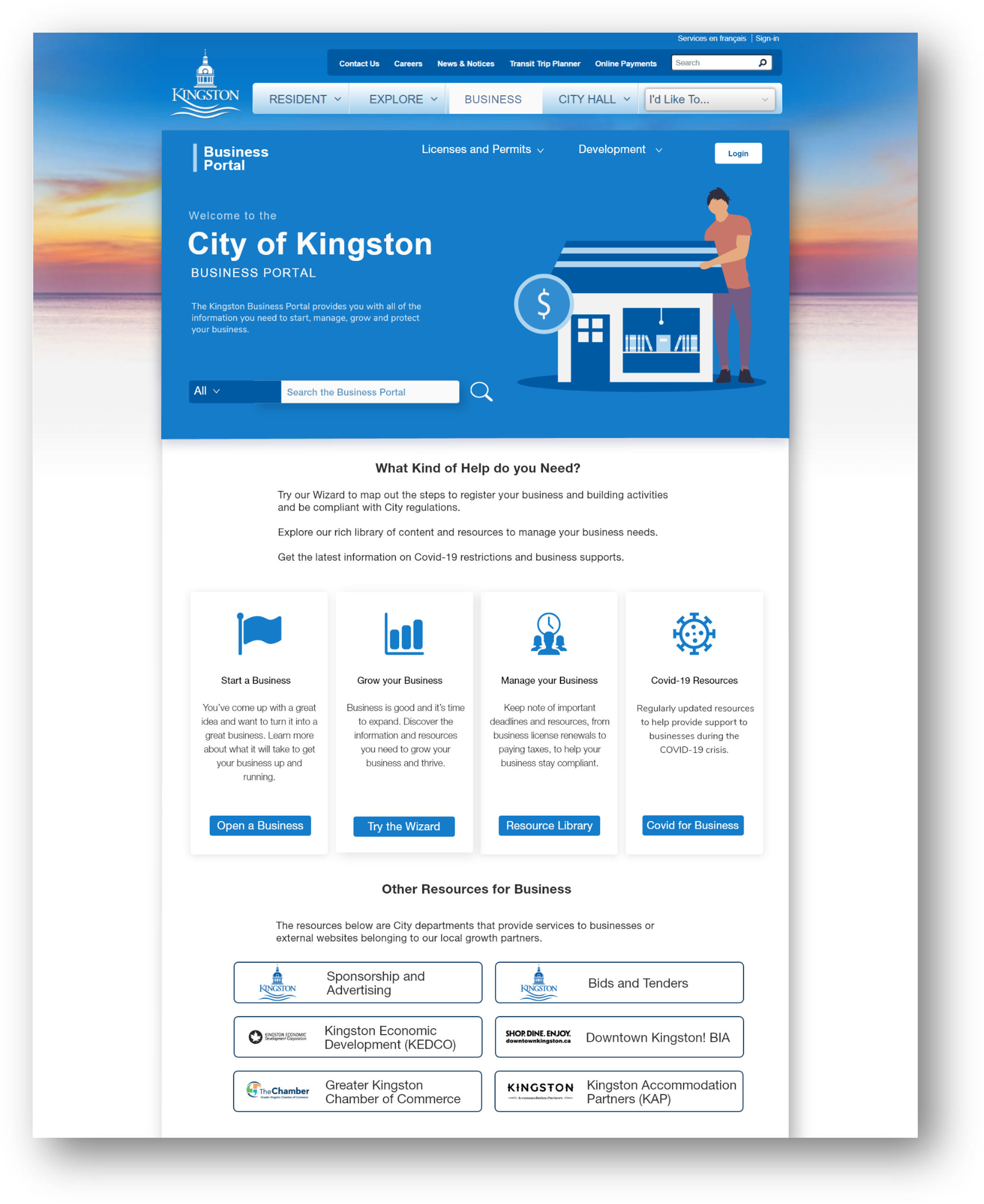
The basis for our design was to create a simpler, more streamlined experience for users, through the use of a Business Portal, in conjunction with the redesigned business section of the website. Our new Business Website would eliminate some of the pain points we had discovered during our research and testing.
Previous
Next
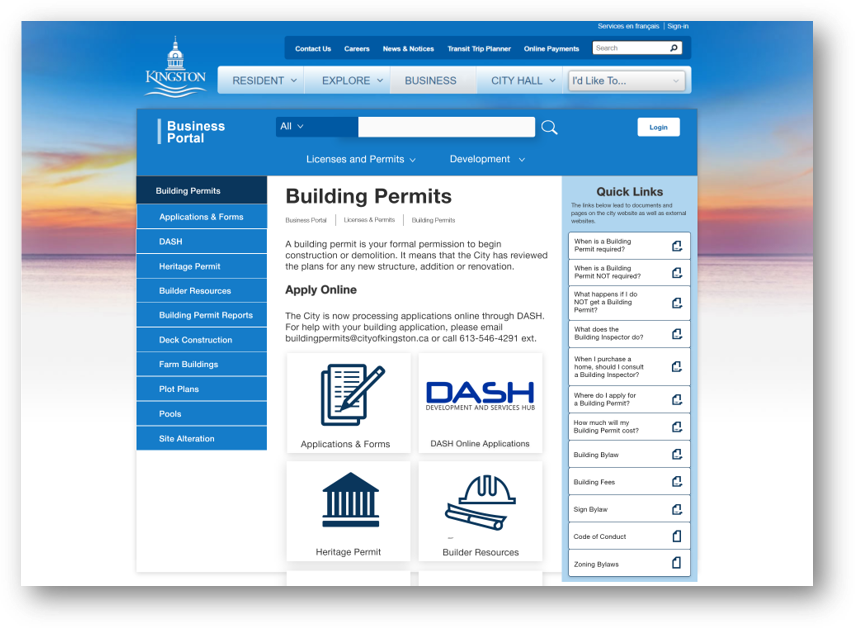
On our new wireframe, we trimmed the local navigation to licenses and permits, and development. These menu options were determined by our tree and card sorting tests. Links to external websites, such as the DBIA, were moved to the bottom, to minimize the chances of confusion with users.
We cleaned up the global and local navigation bars and made them consistent along with the different subpages. This was meant to make navigation simpler for users and lower their cognitive load..
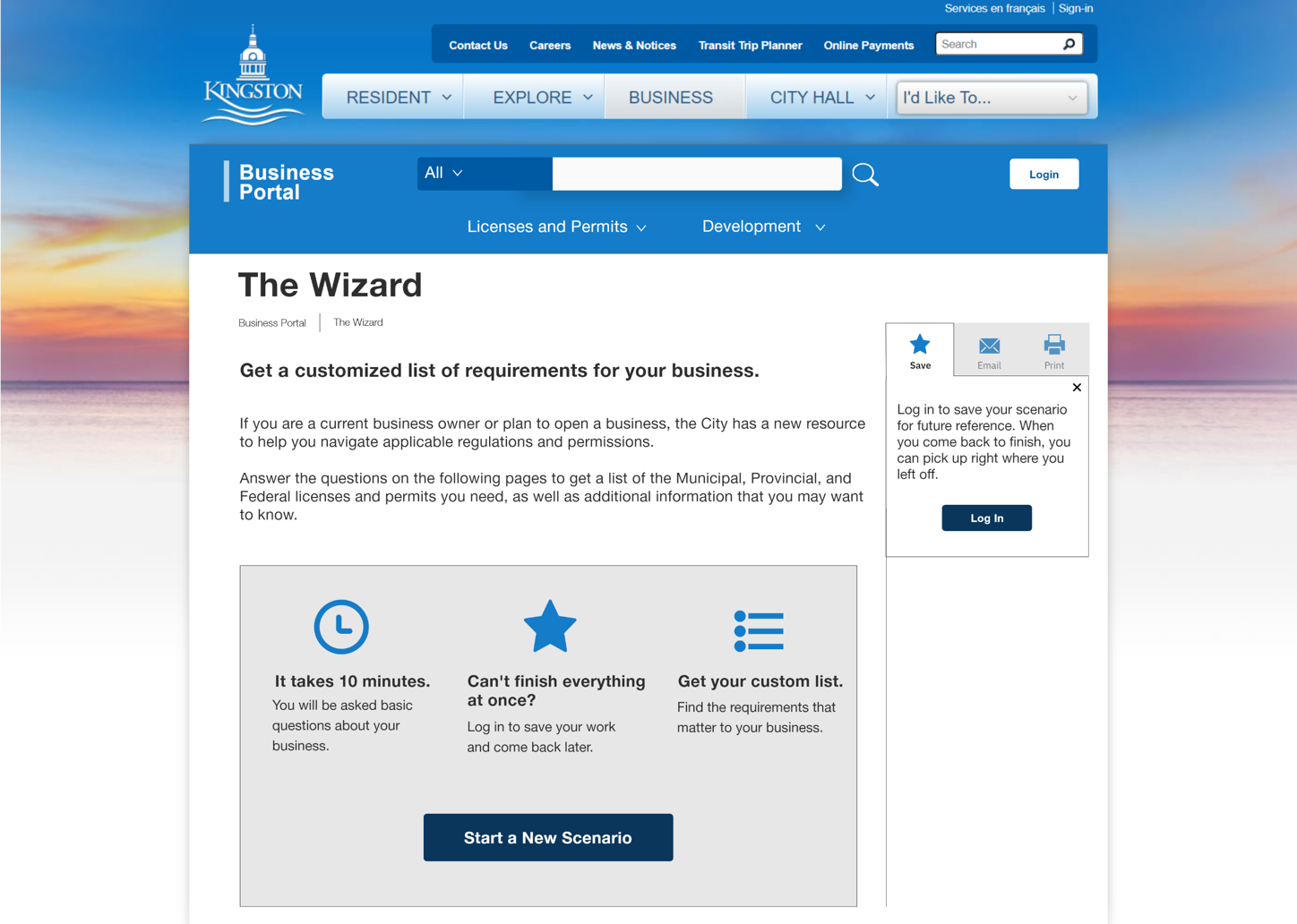
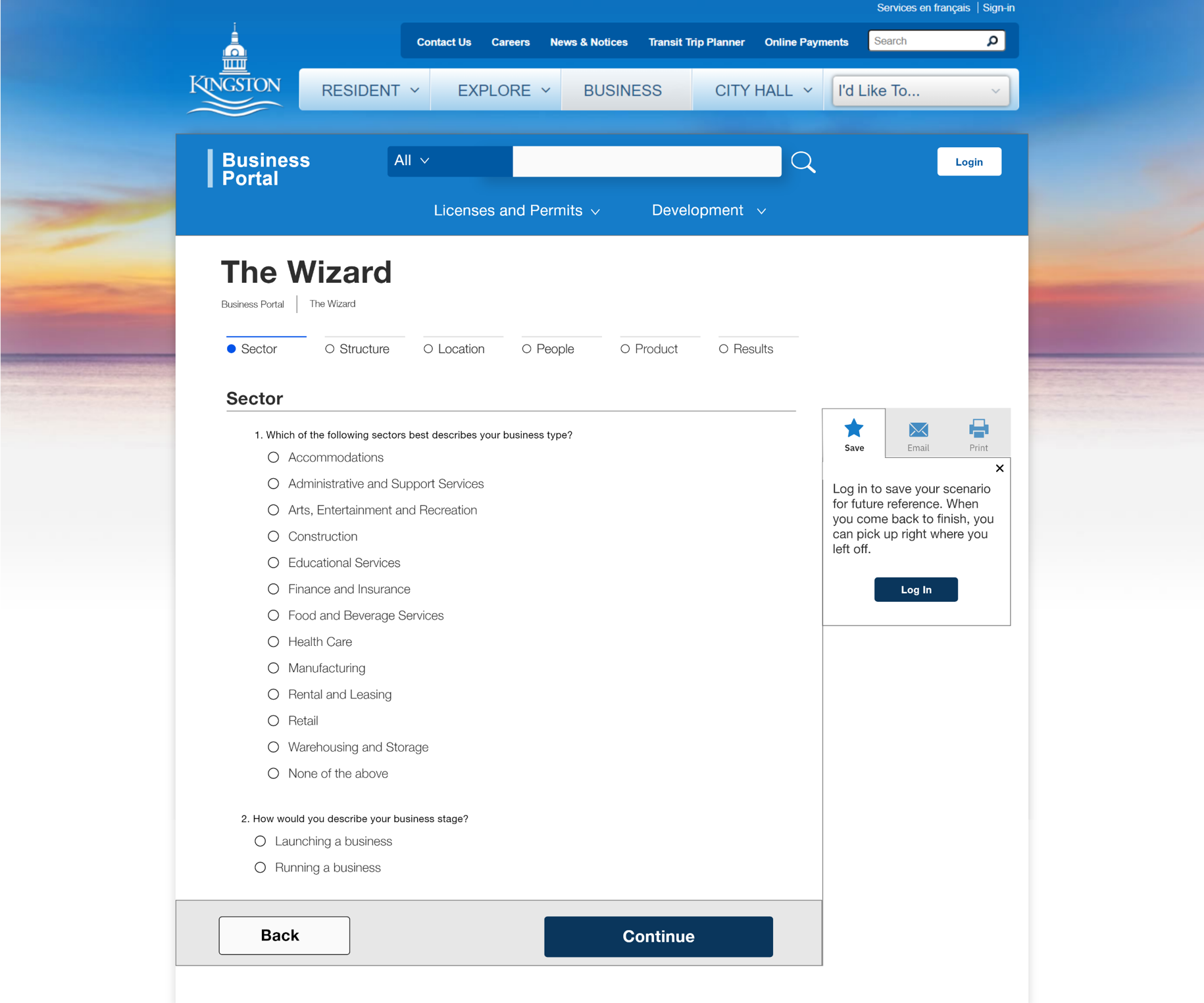
We also created wireframes for a wizard, that would guide users through different processes that the website could accomplish, which was designed to be simple to use and lower the amount of employee time required.
Testing the New Wireframe
We tested the new wireframe with our participants from earlier, and the system had an average SEQ (Single Ease Question) score of 6.68 out of 7, which is considered to be “very good”.
Conclusion
With our testing complete, we compiled our wireframes together as well as all of our research, and testing results and handed them off to the City of Kingston at the completion of our semester. They were very pleased with our suggestions.